How can I download older versions of a product?
First you need to access to your Customer Dashboard from Freemius. You can find your login details in your email.
From there:
Go to the Downloads section and look for the Download text. Click on the "dropdown" arrow icon beside it. It will open a menu with previous versions of a product.
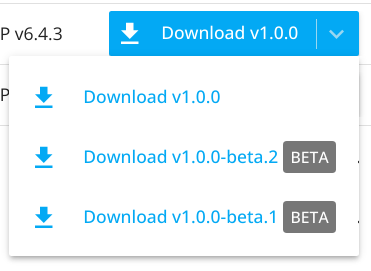
Click on the version you want to download.